An AI PCB reviewer for your own files.
Open your KiCad or Altium project and Ally reviews the board: schematic, layout, and parts' pins against their datasheets. When it finds a problem it can fix it, and shows you exactly what will change, checked, before anything touches your files.
Reviews and questions are free. A new account gets 60 credits for its first 30 days for changes, no card needed.
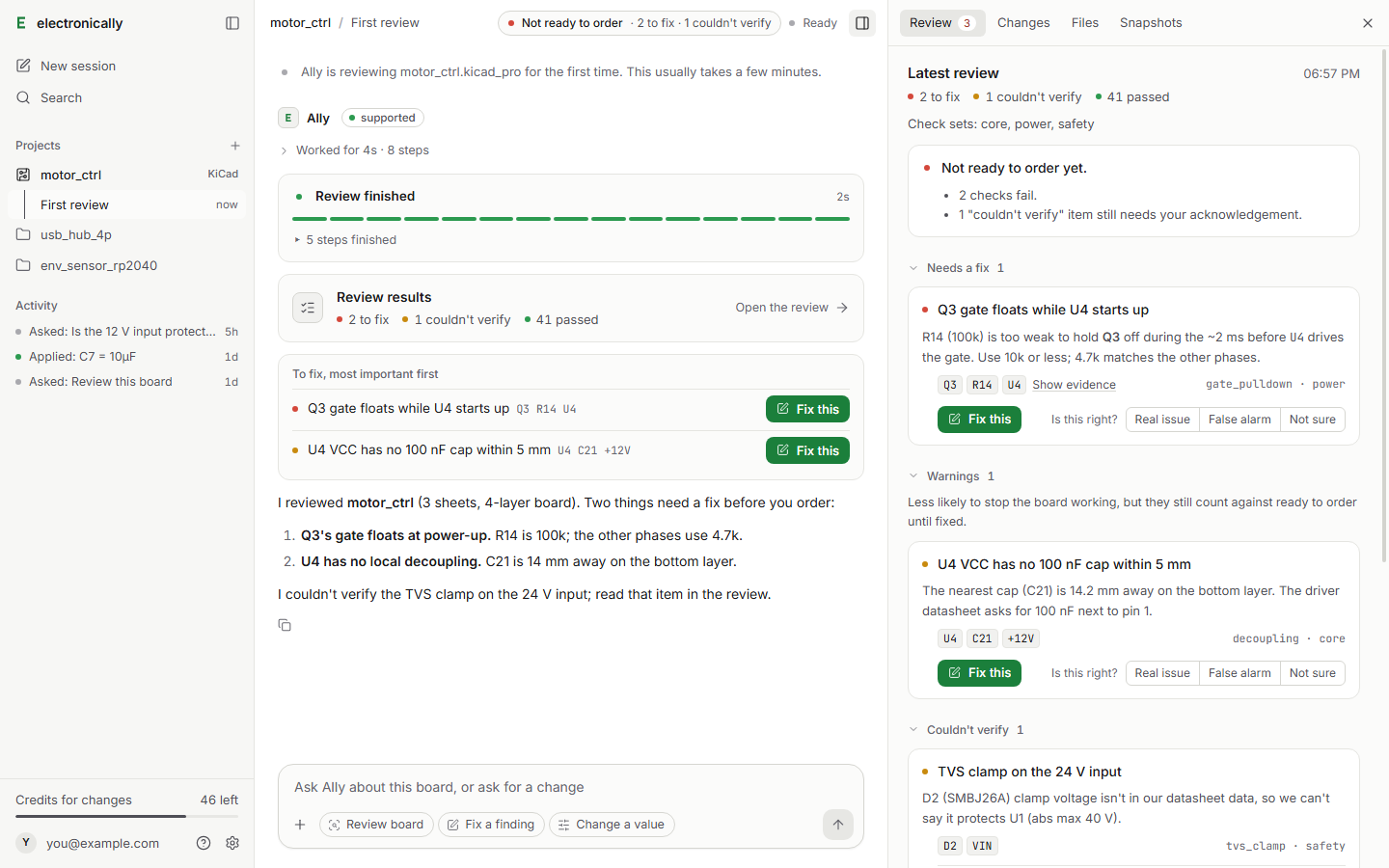
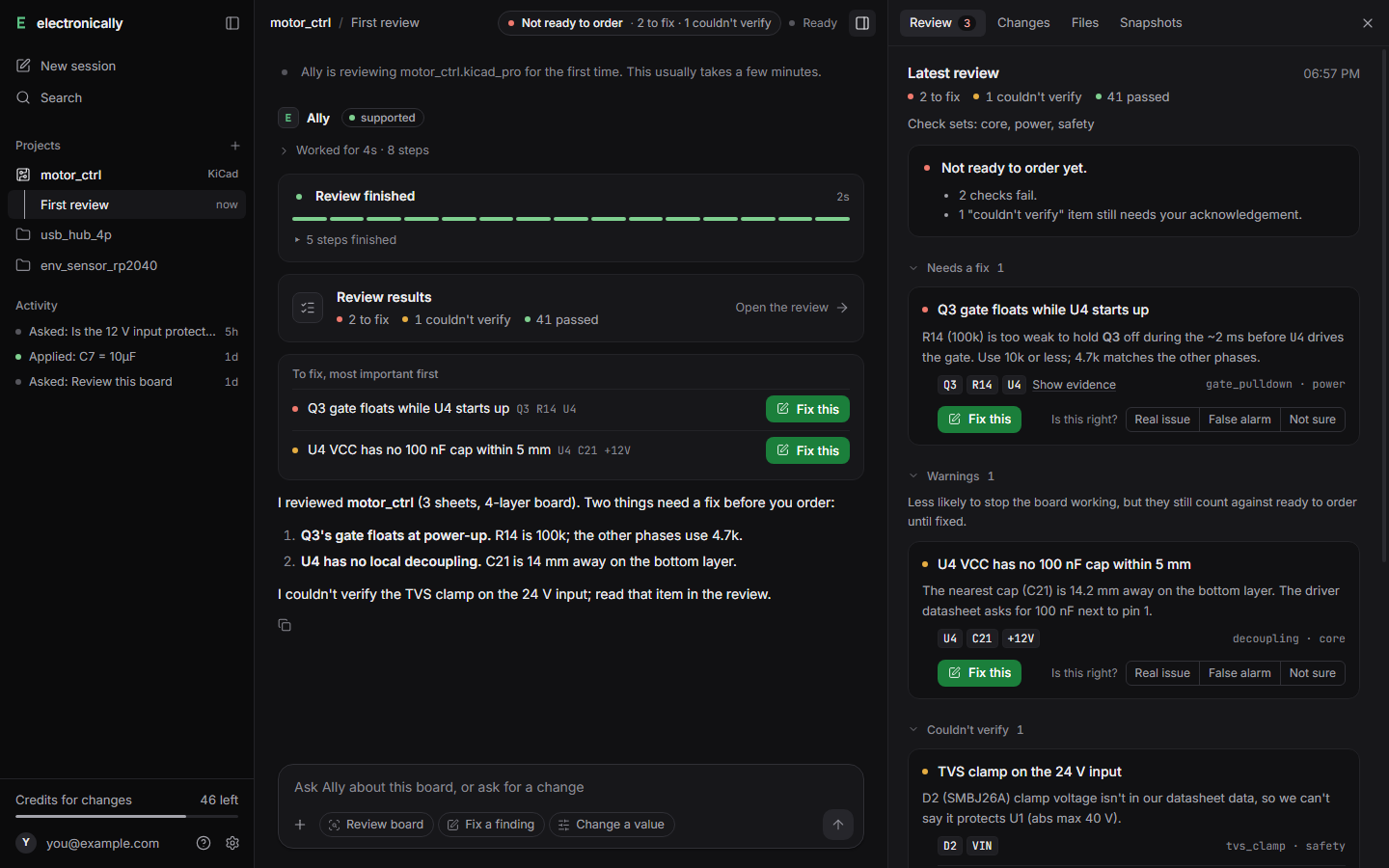
The desktop app reviewing a sample board. Every finding has its evidence; what it couldn't check is listed as "couldn't verify".
Review, fix, re-check. In your own files.
No new tool to learn and nothing to export. electronically works in the project you already have, and you stay in charge of every change.
Open your project
Choose your .kicad_pro or .PrjPcb, or drag it onto the window. Ally asks a few optional questions (what the board is for, its voltages, which parts aren't fitted). Your files stay on your computer; a copy goes to our US servers only so the checks can run.
Get a review you can trust
Each finding comes with its evidence and the part or net it's about. Anything we couldn't check is marked "couldn't verify", never passed.
Fix it, then check it
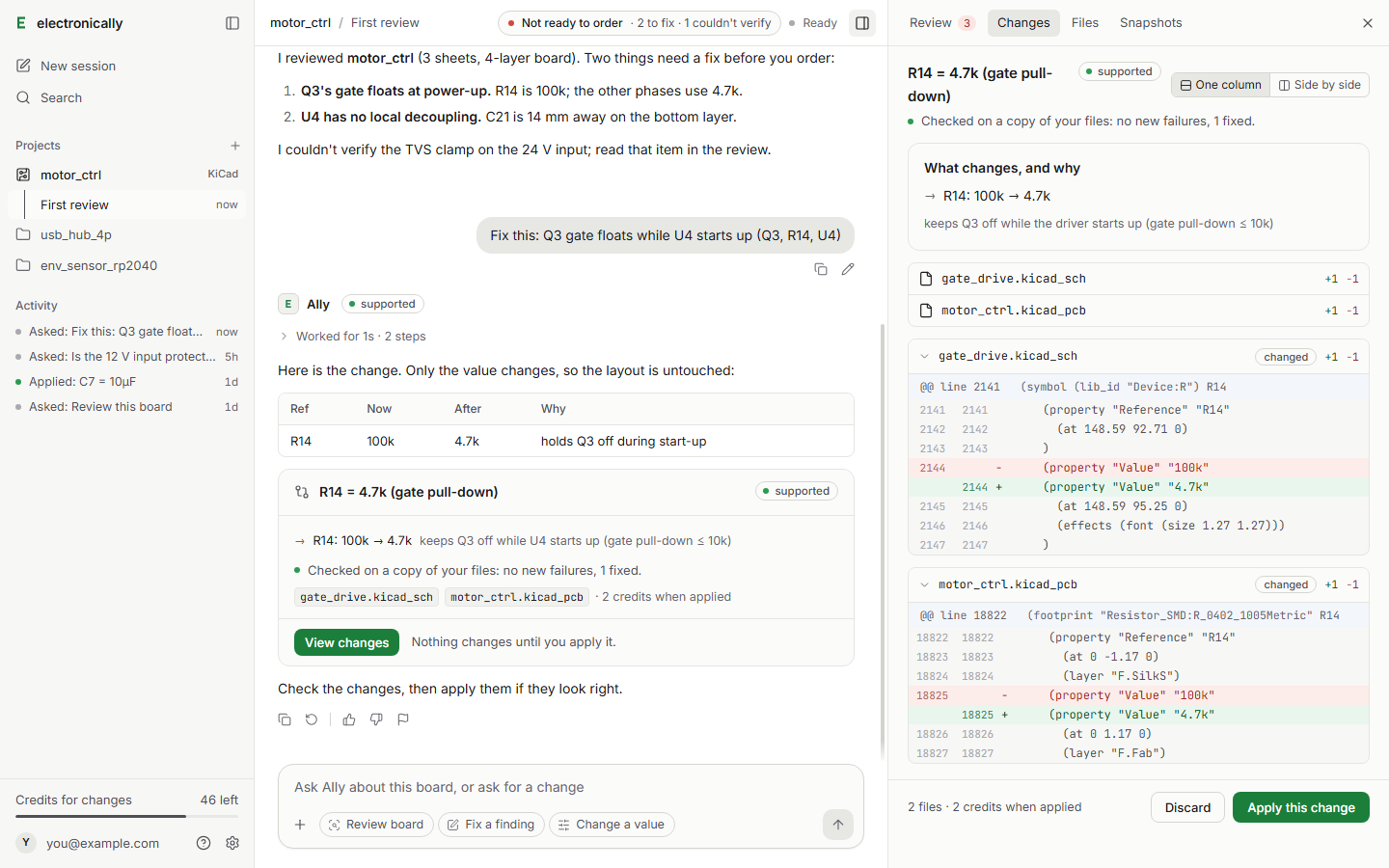
Ask Ally to fix a finding. You see exactly what changes and why, it's re-checked on a copy, and only then do you apply it. A snapshot is taken first, so you can restore.
What it checks
A full review of the board, with the result and the evidence for each check.
- Pinouts and footprints against the parts' datasheet pin tables
- Power, decoupling and protection parts, and currents on tracks
- Copper spacing by voltage (IPC-2221B)
- Your own tool's electrical and design rule checks, and Altium's own rule check on Altium boards
- Datasheets are cited; what can't be checked from the files is listed for you to check yourself
What it can change
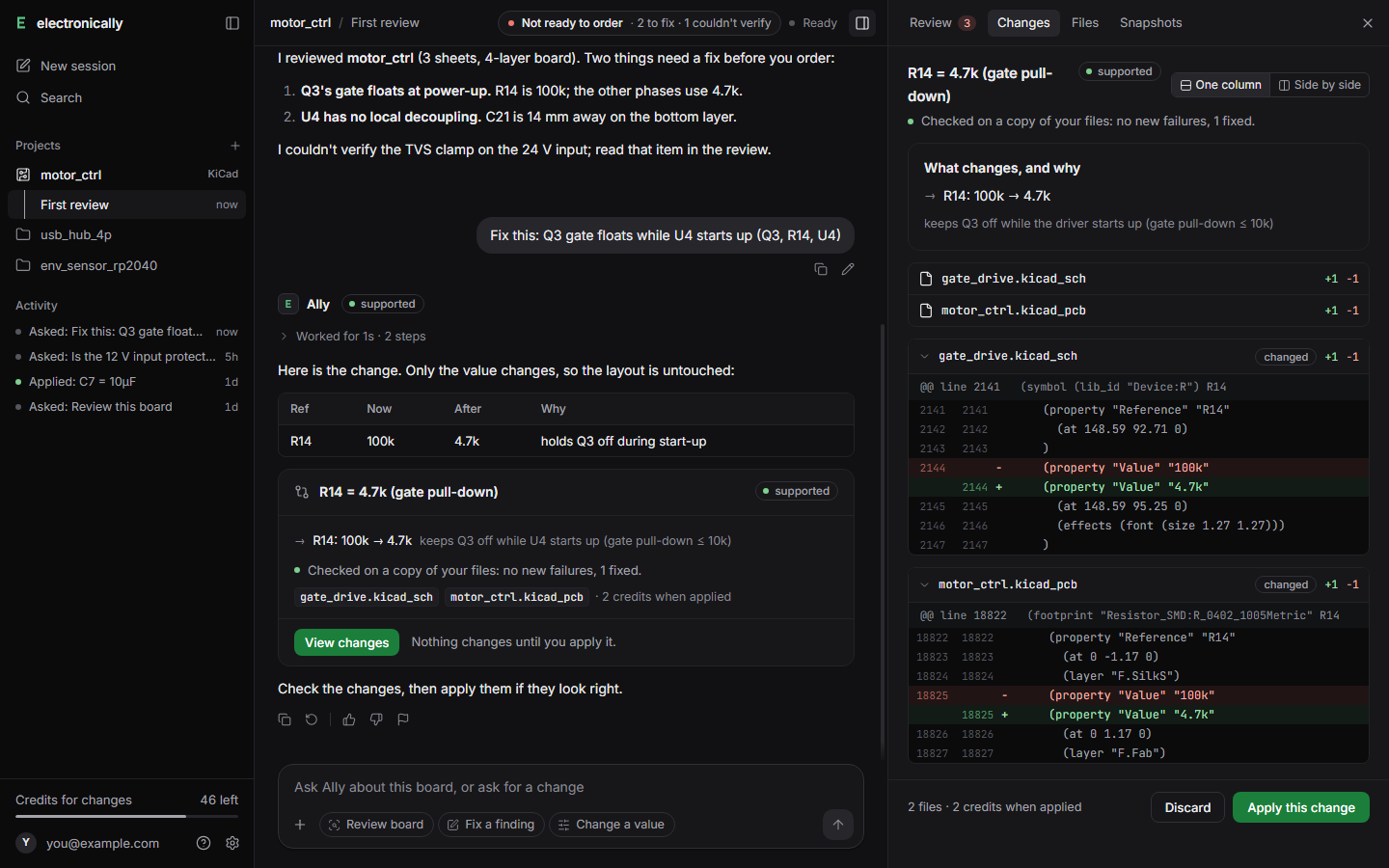
Ask in plain words. Each change shows exactly what changes in your real files, re-checked before you apply it.
What's measured so far
This is early access. These are our own measurements, with what each was measured on. Every change Ally makes is checked on a copy first; in these runs no change was ever reported as passing when it hadn't.
| What Ally does | How often it works | Measured on | Label in the app |
|---|---|---|---|
| Review a board | Being measured | Real boards that were sent back for a second spin, held out from development. We'll publish the result here. | Supported |
| Change a part value | 80% | 485 boards from a 500-board public corpus (not a held-out set yet) | Supported |
| Resize the board | 83% | 284 boards from the same corpus (not a held-out set yet) | Supported |
| Swap a part | 78% for drop-in swaps; 8% for hard ones (a different pinout or package) | Held-out sets: 29 of 37 realistic swaps; 7 of 84 hard swaps | Experimental |
| Add a header or connector | 47% | Held-out set: 45 of 96 boards | Experimental |
| Route nets | 88% of connections routed; 1 of 11 boards finished with nothing left by hand | 11 held-out boards with 4 or more layers | Experimental |
"Experimental" jobs still go through every check; when one can't finish, Ally says so and changes nothing.
Honest about its limits
It tells you what was checked, by what, and what wasn't. It doesn't sign off what only a lab or a qualified person can.
Couldn't verify
When a datasheet value is missing or a check can't run, the finding says so. The board isn't shown as ready to order until you've read every one.
Not a sign-off
RF and high-speed sign-off, EMC, mains safety, medical use and certification need testing and a qualified person. Ally never says a board meets a standard.
Your call, always
Nothing is written to your files until you press Apply, and every applied change can be restored from its snapshot.
Get electronically for Windows
Windows 10 or 11, 64-bit. Works with KiCad and Altium Designer projects. Sign in with your email; no password.
Your files stay yours
Stored and processed in the United States. Never used to train AI models. Never sent to our test machines. Deleted when you ask. Where your files go
Pricing
Reviews and questions are free. Changes cost a fixed number of credits, shown on the Apply button before you press it. See plans